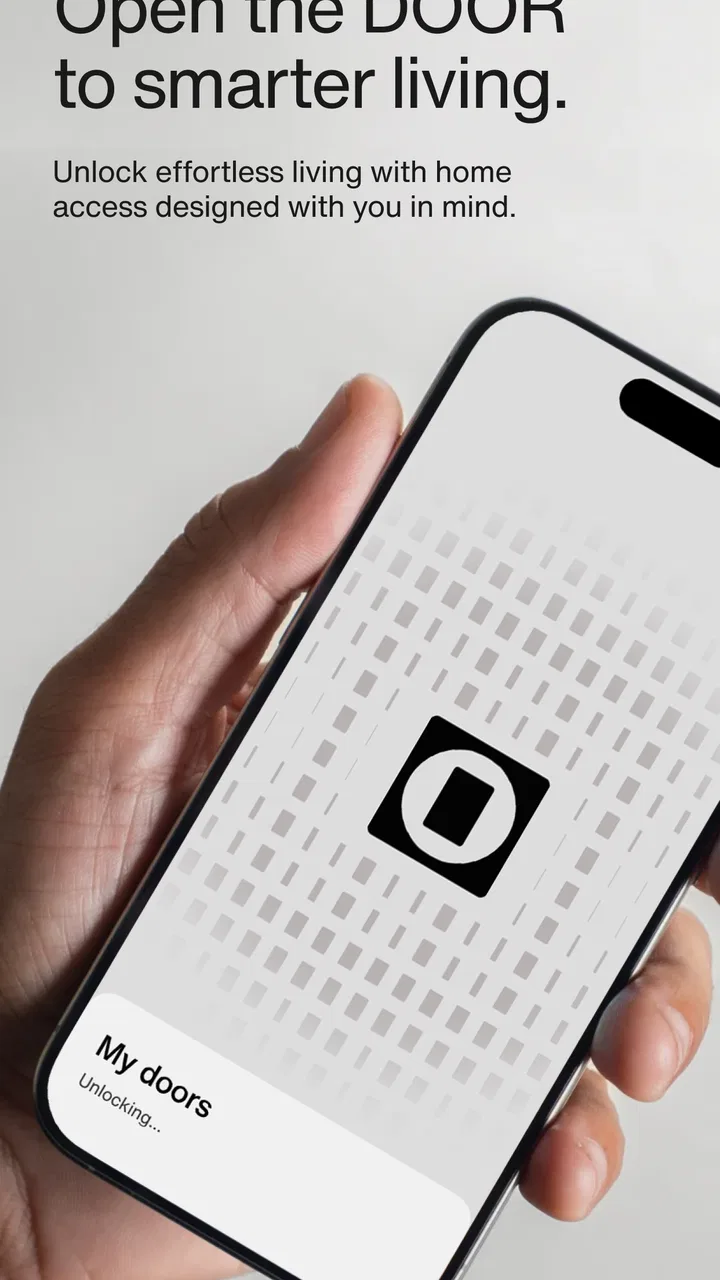
DOOR: Smart Access & Control
- 4.1
- Rating
- 100.00K
- Installs
- Free
- Price

 Analysis by App-foxy
DOOR: Smart Access & Control caught my attention because it tries to bring several everyday building tasks into one place. Rather than treating access, room control, and service booking as separate chores, this Lifestyle app from Latch, Inc. puts them behind one mobile interface. In my first week, that felt pleasantly direct: the app’s purpose is easy to understand, and the value appears quickly when I need to interact with a managed space instead of searching through several tools.
The important question, though, is not whether the idea feels convenient on day one. It is whether the app remains useful after the novelty wears off. Access apps can become invisible when they work well, but they can also become frustrating if opening a door takes longer than using a physical key, or if service-related tasks are only occasional. My experience is that DOOR is most convincing when it is connected to the way a particular building operates. It is less compelling as a general lifestyle download for someone without access to a compatible space.
What the first week feels like
The first impression is focused rather than overloaded. The store summary presents the app as a way to unlock doors, control your space, and book services, and that gives the interface a practical shape. I do not approach it expecting entertainment, social discovery, or a broad collection of lifestyle content. I approach it as a daily utility that should reduce small points of friction around where I live or work.
You May Also Like

 AccuWeather: Weather Radar
AccuWeather Review: A Quick, Clear Forecast for Everyday Decisions
For everyday plans, the best forecast is the one you can understand quickly. AccuWeather makes rain timing, radar, and local conditions easy to act on, with a few trade-offs.

 Hill Climb Racing
Why Hill Climb Racing Still Turns Crashes Into One More Run
A tiny car, a bumpy hill and one more upgrade: Hill Climb Racing keeps resurfacing because its simple chaos makes every near-miss feel personal.

 AliExpress - Shopping App
AliExpress Makes Global Shopping Feel Personal, but Shoppers Bear the Risk
AliExpress turns a global marketplace into a pocket-sized discovery engine. Its reach is useful, its shopping loop compelling, and its trade-offs easy to miss.

 Lords Mobile: Kingdom Wars
Lords Mobile Is a Kingdom-Building Routine, Not a Quick Match
A case-by-case verdict on the building, battles, device demands, and social commitments that make Lords Mobile rewarding for some players and exhausting for others.

 PDF Scanner app - TapScanner
TapScanner Makes Paperwork Easier to Capture, Check, and Share
TapScanner makes scanning with a phone feel less like a rescue operation and more like a dependable step in getting work done. Its capture tools are useful, though not flawless.

 Block Blast!
 Shows How Much a Puzzle Game Can Leave Out
A quiet grid game shows why puzzle players increasingly value instant clarity, repeatable skill and low-pressure play—and where the genre still needs to catch up.
More From Our News Desk
View All News


That narrow purpose is a strength. A good access tool should not make me hunt through unrelated screens before I can reach the action I need. When I am arriving with bags, carrying a parcel, or trying to move quickly through a shared entrance, a simple path matters more than visual decoration. DOOR makes sense in those moments because its central idea is tied to physical actions rather than abstract planning.
The first-week appeal also comes from the combination of tasks. Door access and service booking normally belong to different mental categories: one is immediate and physical, while the other involves planning. Putting them together can make a managed space feel more coherent. I can imagine checking access-related options and then handling a building service without switching between unrelated systems.
Still, I would not install it blindly and expect an instant transformation. The app’s usefulness depends on whether the building, workplace, or other managed space actually supports the experience it offers. This is the first practical question I would ask before committing: will I use DOOR in a space where its access and control functions are relevant? If the answer is no, the app has little reason to occupy storage on my phone.
The app is free, carries an Everyone content rating, and supports Android starting with version 8.0. Those details make it approachable for a wide range of users, especially people using older compatible Android phones. The current version is 3.6.3, which suggests an actively maintained product line rather than a one-off experiment. I would still treat updates as part of the normal routine for an access app, because reliability matters more here than novelty.
Where it fits in a normal day
A realistic use case is arriving home after work while carrying groceries. Instead of putting everything down to search for a key, I want the phone-based access flow to be predictable. Once inside, the same app may be useful for handling a space-related request or booking a service. The benefit is not one dramatic feature; it is the reduction of several small interruptions across the week.
Another scenario is a resident preparing for a scheduled service. Rather than treating the appointment as a separate conversation and access as a separate problem, the app’s combined role can help keep those needs in the same place. I would find that especially useful when I am away from the space and need to think ahead. The trade-off is that the app becomes part of a wider routine: if I forget to check it, the convenience disappears.
For someone who shares a home or managed space, the value may come from consistency. A single familiar tool is easier to explain than a collection of building-specific instructions. However, I would not assume that every household member will prefer the same method. Some people want a physical backup, while others are comfortable using a phone for every entry. DOOR works best when everyone understands its role and keeps a practical alternative available for situations where a phone is unavailable or inconvenient.
Why the novelty can be misleading
Smart access has an immediate “future is here” feeling, but that feeling is not the same as lasting value. The first few successful uses can make the app seem more important than it will be later. After the novelty fades, I judge it by three simpler questions: does it save time, does it reduce confusion, and does it help me complete recurring building tasks?
In my view, the answer can be yes, but only in the right environment. If I regularly use doors or services managed through the app, it becomes a quiet utility. If I only open it once every few months, the app may feel like an extra layer rather than a replacement for an established habit. That distinction is central to deciding whether it deserves a permanent place on a phone.
What remains useful month after month
The strongest long-term argument is consolidation. DOOR is not merely an electronic key in my mind; its broader purpose is to connect access, space control, and service booking. That gives it more chances to stay relevant than an app with one occasional function. A door action may be frequent, while a service request may be less regular, but the two uses can reinforce the idea that this is the main tool for interacting with a managed space.
That recurring value is practical rather than exciting. I am not looking for a reason to browse the app every day. I want to open it when there is a genuine task and finish that task without unnecessary detours. This is a good sign for a utility: the app does not need to demand attention to be useful. It needs to be dependable when I remember it.
The app’s public reception is reasonably encouraging, with an average rating of 4.0 from around 500 ratings and over 10 thousand installs. I read those figures as a sign of moderate adoption rather than proof that every user will have the same experience. Access products are heavily shaped by their surrounding setup, so one person’s smooth routine may not match another person’s building or device.
Compared with a traditional key, DOOR can offer a more flexible digital workflow, particularly when access and service tasks belong together. Compared with separate building portals, messaging systems, and booking tools, its appeal is the possibility of fewer disconnected steps. But a physical key wins on simplicity when all I need is entry, and a dedicated service channel may be better when the main task is detailed scheduling or communication. DOOR earns its place when I need the combination, not merely one isolated function.
Three habits that make the app more worthwhile
First, I would make the app part of an arrival routine rather than treating it as something to rediscover each time. Knowing where the access action lives and checking service needs at a predictable moment prevents the app from becoming a forgotten icon. This is a small habit, but it matters because utility apps lose value when the user has to relearn their purpose.
Second, I would use the service-booking side proactively. Waiting until a problem becomes urgent makes any booking tool feel disappointing, even when the interface is fine. If DOOR is already the place I use for space-related tasks, checking it before a busy week can turn it into a planning tool instead of an emergency shortcut. The non-obvious benefit is continuity: the same app becomes useful before, during, and after a service need.
Third, I would keep a backup plan for entry. That is not a criticism unique to this app; it is sensible for any phone-dependent access method. A low battery, a damaged phone, or a moment when I cannot comfortably operate the device can turn a convenient system into a delay. The smartest way to use DOOR is to let it simplify normal access without pretending that physical contingencies no longer matter.
These habits also reveal the main trade-off. The app can reduce friction, but it asks me to maintain a digital routine. I need to keep the phone usable, remember the app, and understand how it fits into the building’s procedures. For some people, that is a fair exchange. For others, a key and a separate conversation with building staff may feel easier.
Who will keep using it
I think DOOR is a strong fit for residents, occupants, or users of spaces where its access and service functions are genuinely integrated. It is particularly suitable for someone who dislikes juggling multiple building tools and wants one familiar starting point. It may also suit people who value handling practical tasks from a phone rather than calling or visiting an office for every request.
I would be more cautious recommending it to someone who rarely interacts with managed doors or services, or who strongly prefers offline tools. The app is also not the obvious choice for a person who needs a general home-control platform with broad device compatibility, because its identity is centered on Latch’s access-and-space experience rather than being a universal controller for every smart-home product.
That comparison is important. A general smart-home app may be better for lights, thermostats, cameras, and routines across many brands. A property portal may be better for notices, payments, documents, or resident communication. A booking specialist may offer more depth for appointments. DOOR’s advantage is narrower and more focused: it aims to make access and selected space services feel like parts of one workflow.
Maintenance, fatigue, and the long-term decision
The maintenance burden is not necessarily heavy, but it is easy to underestimate. I would expect to keep the app updated, maintain normal phone access, and stay familiar with any changes in the way my space handles entry or services. Because this is connected to a physical environment, even a small moment of uncertainty feels more serious than a minor inconvenience in a casual lifestyle app.
That is why I would judge updates by stability and clarity rather than by the number of visible changes. The developer, Latch, Inc., has a product that needs to earn trust through routine use. A new interface can be attractive, but consistency is more valuable when I am standing at a door. The best maintenance experience is one I barely notice: the app remains understandable, and the action I need is where I expect it to be.
There are several possible sources of fatigue. The first is repetition without added value. If I only use DOOR to perform one action and the rest of the app is irrelevant to me, the larger promise may feel unnecessary. The second is uncertainty around context. If I am not sure which doors, spaces, or services are covered, I may hesitate at exactly the moment I need confidence.
The third is dependence on a phone-based habit. Even when the app works well, some users will prefer the certainty of a key or a direct human contact. I also think service booking can create a different kind of expectation from door access: entry is immediate, while services involve timing and coordination. Keeping both in one app is convenient, but it can make the experience feel uneven if one side is much more useful than the other.
My practical advice is to test the app against real repetition rather than judging it after one impressive use. Over several weeks, notice whether it removes steps from arrival, makes service planning clearer, or simply duplicates what you already do. If it consistently saves small amounts of effort, that recurring benefit is more meaningful than the initial smart-access appeal.
The app has a 4.0 average rating and is free to use, which lowers the barrier to trying it. I would take advantage of that low commitment, but I would not confuse free installation with zero cost in attention. The real investment is learning the routine and deciding whether the combined workflow is better than the alternatives already available in the space.
After the first month, I would ask whether I open DOOR because it is the easiest route or because I am supposed to. That distinction tells me whether it has earned a lasting place. If the answer is “easiest,” the app is doing its job. If the answer is only “required,” its value may depend entirely on the surrounding building experience rather than on the app itself.
My long-term verdict
DOOR: Smart Access & Control is a focused Lifestyle app with a sensible everyday ambition. It brings door access, space control, and service booking into one place, and that combination can become genuinely useful when it matches the way a building or managed space works. I appreciate that its value is practical: it does not need to entertain me, only to make recurring tasks less scattered.
I would recommend it when the surrounding space already supports its workflow. In that situation, the app can move from a novelty to a quiet daily tool, especially if I use it as part of an arrival and service-planning routine. Its free availability and Everyone rating make trying it straightforward, while Android support beginning with version 8.0 keeps it accessible to many users.
I would skip it when I have no meaningful connection to a Latch-managed access or service environment, or when a general smart-home platform, a property portal, or a physical key already solves my needs more simply. The app is not a universal answer to every home-management problem, and its long-term value depends on repeated relevance rather than on the excitement of unlocking a door with a phone.
For the right user, that is enough. After the novelty fades, DOOR can earn space by reducing small points of friction and keeping related tasks together. My final view is positive but conditional: install it if it belongs to the space you use, build a dependable habit around it, and keep a sensible backup for access. Used that way, it feels less like a flashy smart feature and more like a practical part of everyday life.
FAQs for DOOR: Smart Access & Control
01What are the main features of DOOR: Smart Access & Control?
DOOR: Smart Access & Control offers a comprehensive suite of features including remote locking and unlocking, real-time access logs, user management, and integration with other smart home devices. The app is designed to enhance home security by allowing users to control access from anywhere, making it a versatile solution for both residential and commercial properties.
02Is DOOR: Smart Access & Control compatible with my existing smart home setup?
The app is designed to be highly compatible with a wide range of smart home systems. It supports integration with popular platforms such as Google Home, Alexa, and Apple HomeKit. Before installation, it's recommended to check the app's compatibility with your existing devices to ensure seamless integration and functionality.
03How secure is DOOR: Smart Access & Control?
Security is a top priority for DOOR: Smart Access & Control. The app uses advanced encryption protocols to protect user data and ensure secure communication between devices. Additionally, it offers customizable security settings, allowing users to set up two-factor authentication and receive instant alerts on suspicious activities, enhancing overall security.
04Does DOOR: Smart Access & Control require a subscription?
DOOR: Smart Access & Control offers a free basic version with essential features. However, for advanced functionalities such as enhanced analytics, priority customer support, and additional integrations, a subscription plan is available. Users can choose from monthly or annual subscriptions based on their needs and preferences.
05Can multiple users access the DOOR: Smart Access & Control app?
Yes, the app supports multiple user profiles, allowing homeowners to grant access to family members, friends, or employees. User permissions can be customized, offering flexibility in managing who can lock, unlock, or monitor the system. This feature is particularly beneficial for households or businesses with multiple users needing access.
Pros
- User-friendly interface for easy navigation.
- Quick setup with step-by-step guidance.
- Seamless integration with smart home devices.
- Remote access for convenience on the go.
- Strong security features for user protection.
Cons
- Limited compatibility with older devices.
- Subscription required for premium features.
- Occasional connectivity issues reported.
- Requires stable internet for optimal use.
- Customer support response can be slow.

DOOR: Smart Access & Control
Gallery